Over many platforms, you must meet clear photo and video specs: high resolution, correct aspect ratios, accurate colors, steady framing, and short file sizes; follow platform guidelines to improve visibility and attract qualified guests.
Key Takeaways:
- High-resolution images (minimum 1024×768 recommended) and MP4 videos in 1080p; use JPEG/PNG for photos and MP4 for video to ensure compatibility.
- Good lighting and clear composition: shoot in natural light, declutter spaces, keep horizons straight, and show multiple angles to convey layout.
- Include all key spaces and features: main rooms, bathroom, kitchen, exterior, and any unique amenities; add short walkthrough videos (30-90 seconds) to demonstrate flow.
- Avoid misleading edits: preserve true colors and scale, disclose virtual staging, and follow platform rules on image manipulation and prohibited content.
- Optimize file size and accessibility: compress files to meet limits, provide a clear cover photo, and add descriptive alt text and captions for videos.
Composition and Visual Storytelling
You compose shots that guide viewers through each room, emphasizing natural light, focal points, and functional layouts so your listing reads as a coherent visual story that persuades.
Essential Framing Techniques for Real Estate
Frame each room so you show scale and function: use corner shots for depth, straight-on views for symmetry, and detail shots to highlight finishes while keeping horizons level and minimizing distortion.
Capturing the Flow and Scale of the Property
Show flow by photographing thresholds, sightlines, and sequences that reveal how spaces connect; include furnishings and doorways to communicate true proportions and movement through the home.
Walk a logical path when you shoot: begin with an exterior establishing shot, move through thresholds into wide corner views, add mid-level angles and close-ups, then conclude with an overall perspective. Use a moderate wide-angle to avoid warp, maintain an eye‑level camera height, overlap frames for virtual tours, and employ stabilized motion for video so viewers grasp both scale and circulation.
Post-Processing and Ethical Editing
You should keep edits subtle: correct exposure, white balance, and minor blemishes while preserving authentic views so buyers see the true property condition.
HDR Blending and Advanced Color Correction
HDR blending and advanced color correction let you recover shadow and highlight detail, refine material tones, and avoid unnatural saturation that misleads viewers.
- Shoot RAW and bracket exposures for flexible HDR blending.
- Mask selectively to protect edges and avoid halos.
- Tone-match across rooms so colors stay consistent.
- Clearly disclose virtual staging or substantial retouching.
Post-Processing Guide
| Adjustment | Guideline |
|---|---|
| Exposure | Blend brackets; prevent clipped highlights or crushed shadows |
| Color | Use reference white balance; keep saturation natural |
| Retouching | Remove sensor dust only; do not erase structural defects |
| Staging | Label staged images and keep edit logs |
Avoiding Digital Misrepresentation and Distortion
Ensure you do not remove defects, alter spatial relationships, or add non-existent features; disclose virtual staging and any heavy edits to maintain trust.
Always compare edited images to originals, test across devices, and archive source files; clear labeling of staged or retouched photos protects you legally and preserves listing credibility.
Platform-Specific Delivery Requirements
Platforms each set file, aspect ratio, and duration rules; you should follow their specs to avoid rejected uploads and poor display. Check file size limits, accepted codecs, and naming conventions so listings appear consistent across feeds and syndication partners.
Optimizing Files for MLS and Web Portals
Files uploaded to MLS and portals should use sRGB color, 72-300 DPI depending on portal, and compressed JPEG or H.264 for video to balance quality and load time. You should resize to each portal’s recommended pixel dimensions and include descriptive filenames and metadata for searchability.
Mobile-First Vertical Video Standards
Vertical video should be 9:16, portrait orientation, and under 60 seconds for most platforms; you should export at 1080×1920, 30fps, and use AAC audio with clear captions to engage viewers who scroll quickly.
Optimize vertical clips by framing subjects centrally, using stable gimbal moves, and keeping visual interest in the top two-thirds; you should add short on-screen text for sound-off viewers, drop quick cuts every two to four seconds, and test playback on common devices to ensure exposure and compression don’t clip highlights.
Legal Compliance and Asset Management
Compliance requires you follow listing photo laws; check MLS Photo Rules: What You Can and Can’t Upload for MLS restrictions, keep originals organized, and tag dates to protect your assets.
Usage Rights and Licensing Protocols
Licensing agreements require you obtain written usage rights, define permitted platforms, and archive signed contracts so you can show ownership and avoid disputes.
Privacy Standards and Resident Anonymity
Privacy protocols make you remove personal identifiers, avoid clear views of neighbors, and secure consent before sharing images that include residents.
You should store consent forms with corresponding filenames, timestamped originals, and redacted backups; audit access logs regularly to prove compliance if challenged.
Conclusion
Following this you should ensure your listing uses high-resolution, well-lit photos, accurate color, correct aspect ratios, and a stabilized walkthrough video that highlights flow and key features; include floor plans and brief captions so buyers assess scale.
FAQ
Q: What technical photo file and resolution standards should my listing meet?
A: Set photo resolution to at least 1024 pixels on the longest side; 2048-4096 pixels is recommended for clarity on high-resolution displays. Use sRGB color profile and save images as JPEG for broad compatibility and good compression; PNG is acceptable for graphics but creates larger files. Keep file sizes under 5-10 MB when possible to balance quality and loading speed, and avoid extreme compression artifacts. Include correct orientation and remove irrelevant EXIF data only when privacy or platform rules require it. Check platform-specific requirements for maximum dimensions, aspect ratios, and accepted file types before upload.
Q: How should I compose and light listing photos to present the property accurately?
A: Show each room from multiple angles and include at least one wide-angle shot that represents space without excessive distortion; aim for an equivalent focal length around 16-24mm on full-frame for interiors. Use natural light when available, shoot with windows exposed and interior exposure balanced using HDR or exposure bracketing to retain detail in highlights and shadows. Keep camera height roughly at eye level (about 4.5-5.5 feet) for most rooms and lower for kitchens or dramatic features. Declutter and stage minimally so key features remain visible, straighten vertical lines in post-production to correct perspective, and avoid heavy filters or edits that misrepresent finishes or colors.
Q: What standards should listing videos meet for quality, length, and format?
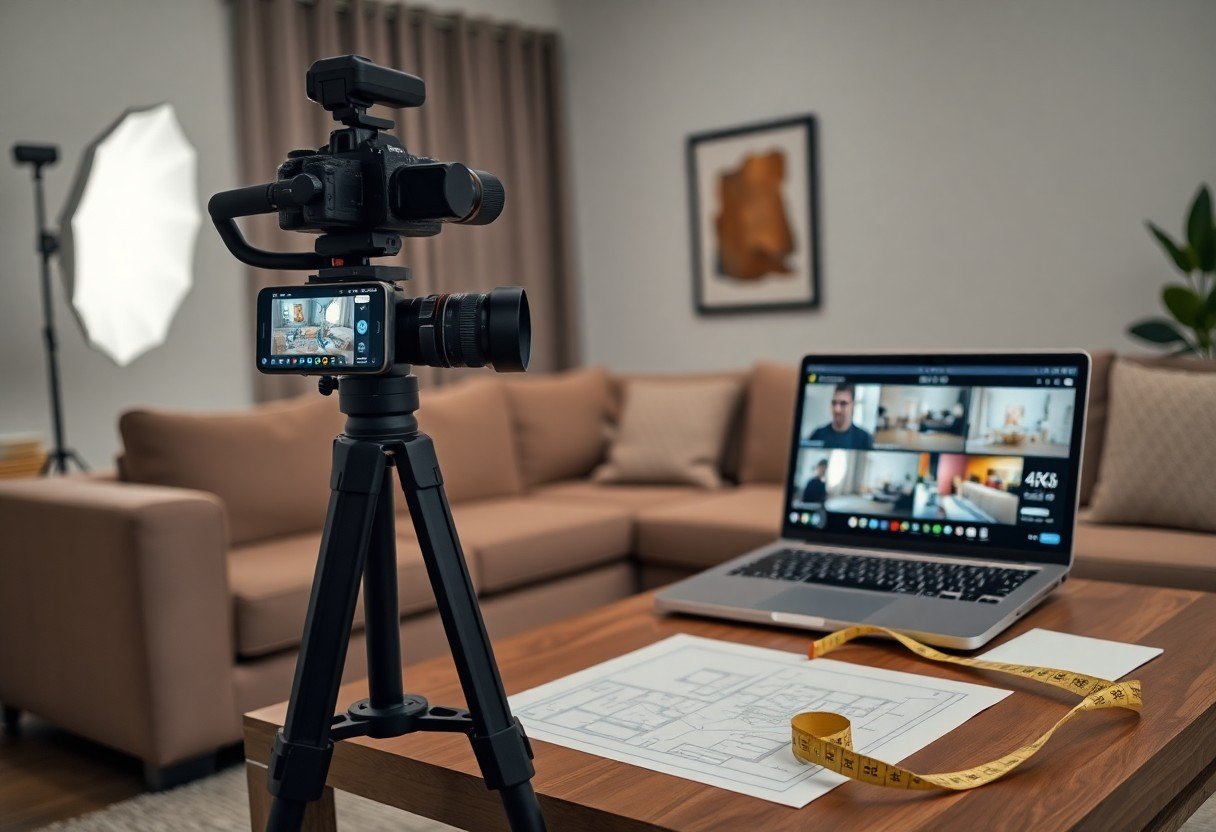
A: Produce walkthrough videos in at least 1080p resolution; 4K is preferred for high-end listings. Record at 24-30 fps for filmic or smooth motion; 60 fps may be used for slow-motion clips. Keep main walkthroughs between 60 and 120 seconds to retain viewer attention, and create 10-30 second highlight clips for social sharing. Use a gimbal or stabilizer to minimize shake, apply smooth pans and steady transitions, and include a clear opening frame or title with the property identifier. Export videos as MP4 using H.264 or H.265 codecs and AAC audio, and supply closed captions or a transcript for accessibility and SEO.
Q: How many photos should I include, how should they be ordered, and what metadata should I add?
A: Aim for 20-35 high-quality images depending on property size, ensuring every primary room and key feature is represented. Order photos to tell a consistent tour: hero exterior, main entry, living spaces, kitchen, bedrooms, bathrooms, special features, outdoor areas, and a neighborhood or amenity shot. Name files clearly (for example, PropertyID_LivingRoom_01.jpg) and add descriptive alt text and captions such as “Two-bedroom condo living room with bay window” to improve accessibility and searchability. Include a floor plan image if available and keep captions factual and concise.
Q: What legal, accessibility, and platform compliance issues should I follow for listing media?
A: Obtain model releases for identifiable people and property releases for interiors when required by local law or platform policy. Remove or blur copyrighted artwork, sensitive documents, or personal information visible in photos and video. Follow drone regulations and platform rules for aerial shots, and clearly label any virtual staging or significant photo edits to avoid misleading viewers. Provide alt text for images, captions and transcripts for videos, and ensure color contrast and readable text overlays for accessibility. Verify each platform’s prohibited content and disclosure requirements before publishing.